NoteCircle—stay on top of your daily to-dos and long-term routines.
iOS Download
-
Plan with a weekly flow
Designed around weekly planning, NoteCircle lets you organize everything from daily tasks to weekly schedules at a glance. Swipe between days to quickly move through your week and focus on what needs your attention right now.

-
Manage routines effortlessly
Set up recurring tasks just once, and they will automatically appear as today’s to-dos on your chosen days each week.
This makes it easy to stay consistent, so repeated tasks are never missed and planning naturally leads to action.
-
See weekly priorities at a glance
Set a goal for the week and pin it to the top of your to-do list.
Even when you have many tasks, this helps you stay focused on what matters most.
-
Never miss important dates
Add important events like birthdays, graduations, or payday, and they’ll appear at the top of your to-do list on the right day so you can prepare in advance. D-days are calculated automatically through integration with DayCircle.

-
See your monthly progress
Review your task progress by month and see how consistently you’ve followed through. When you complete what you planned for the week or month, the report lets you reflect on your progress and small wins with clarity.

-
Organize with checklists
Create separate checklists for shopping, travel, or any preparation you need.
Reorder items freely and clear completed tasks all at once to keep your lists simple and easy to manage.
-
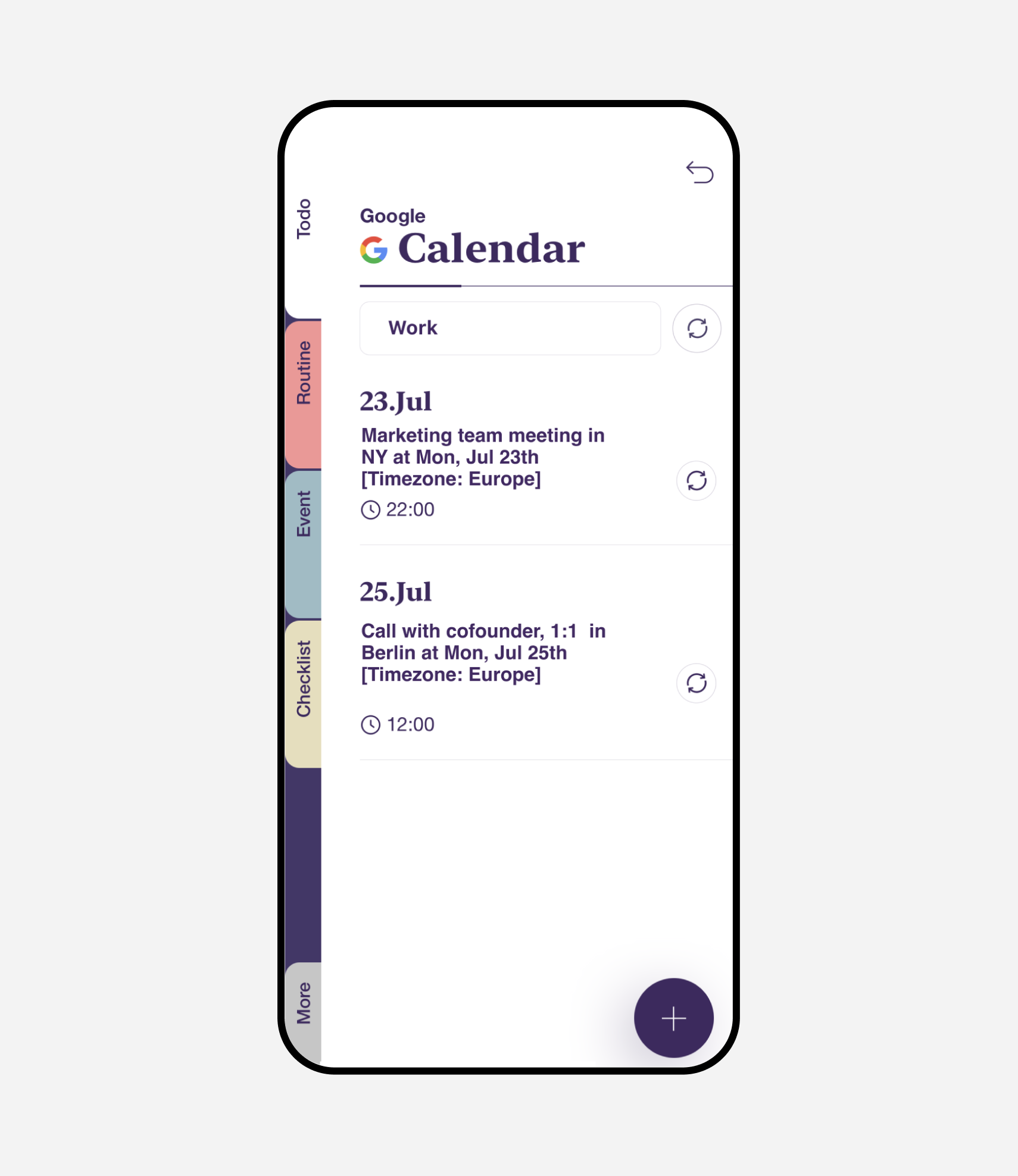
Google & Apple Calendar sync
Bring together events from your Google and Apple calendars and manage them in one place.
-
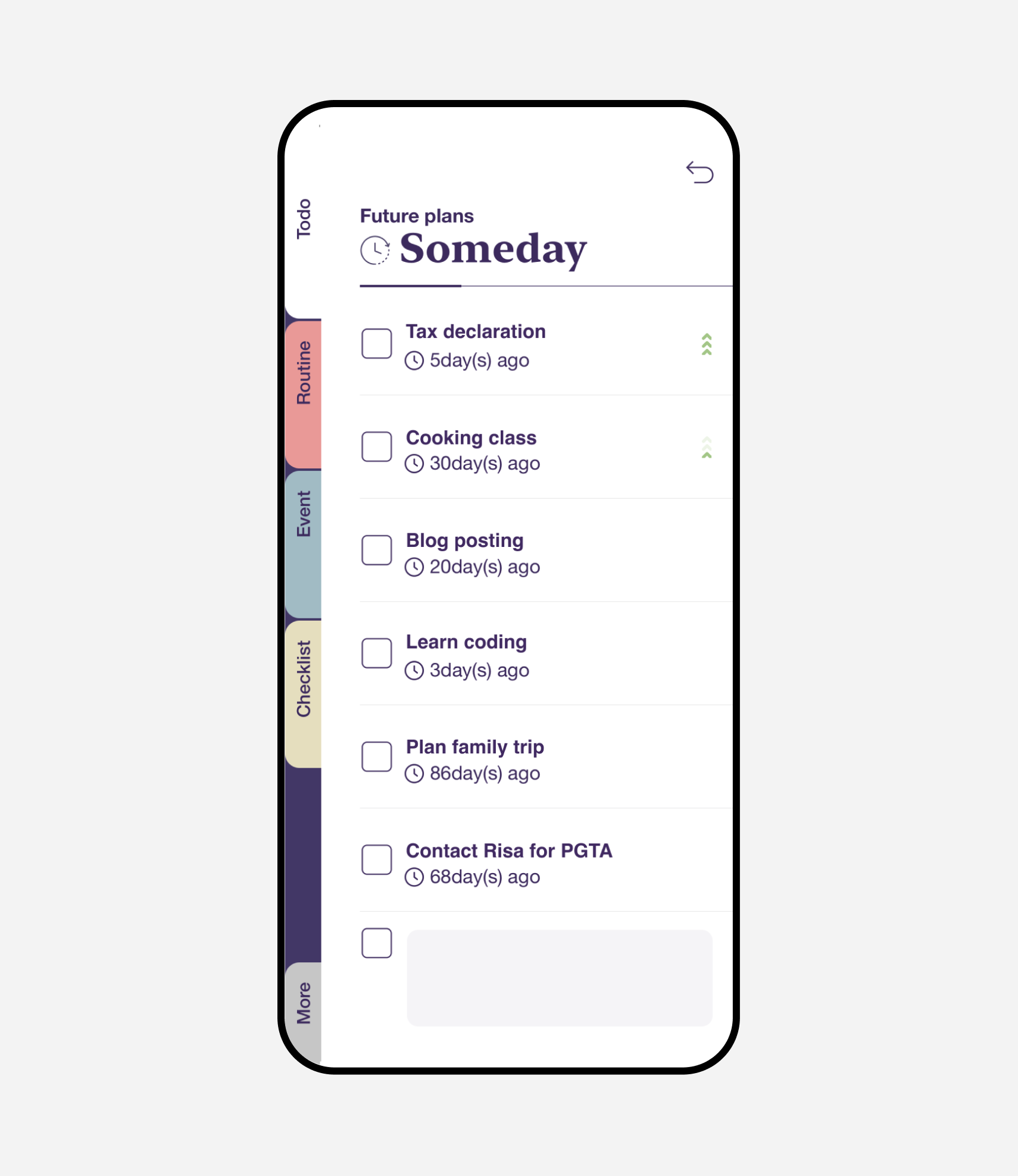
Someday
Write down tasks that need to be done in the near future and move them to your to-do list with one click.
Download NoteCircle for free
The NoteCircle is available for iOS/iPad 14.0 above only and has limited features for Android users for now.