Planning and Taking Action with NoteCircle
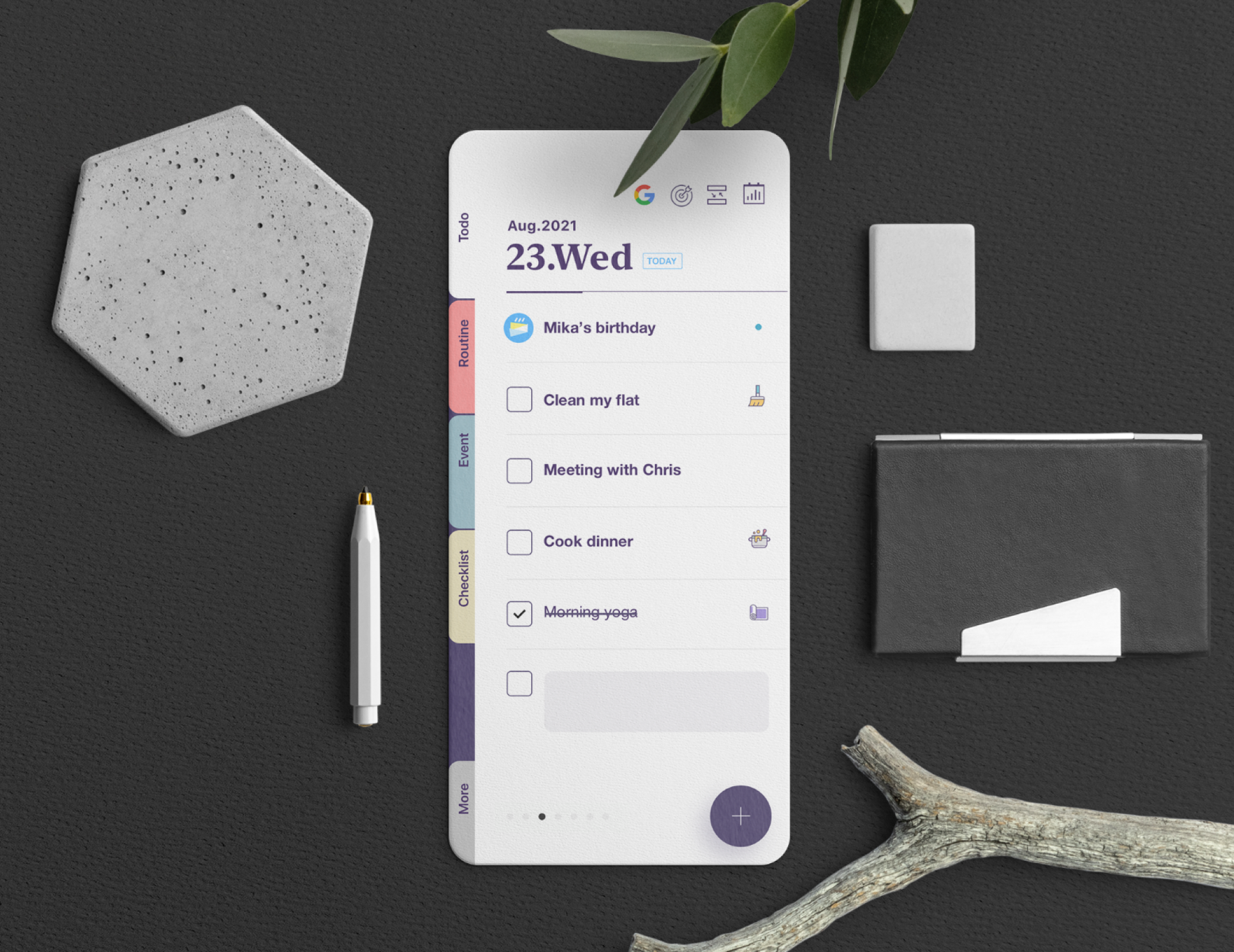
NoteCircle - Todo List
I had been using checklists for years, but over time, rewriting the same recurring tasks and carrying unfinished ones over to the next day started to feel increasingly tedious. I tried moving between different to-do apps, but none of them quite stuck for one reason or another. In the end, I decided to build a tool that truly fit my needs—and started using it myself.
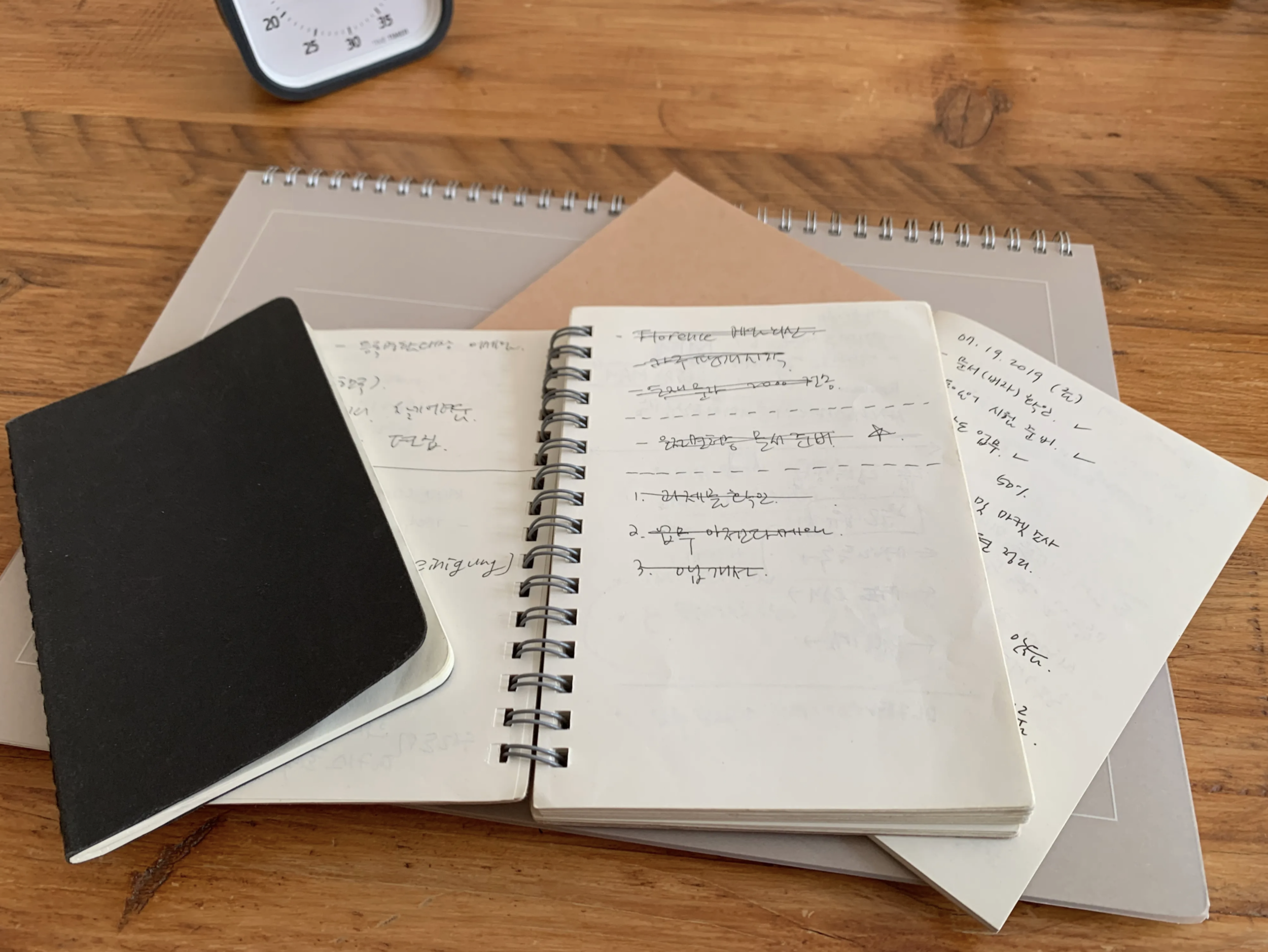
After several weeks of deliberation, NoteCircle was launched with only its core features. Fortunately, it was later introduced by various media outlets and influencers, and being selected as the App Store's 'App of the Day' provided an opportunity to naturally connect with users around the world.
NoteCircle's structure is divided into two groups:
Time-based lists - daily to-dos, weekly recurring routines, and events like birthdays.
Topic-based lists - lists created around a single theme, such as travel packing lists or shopping lists.
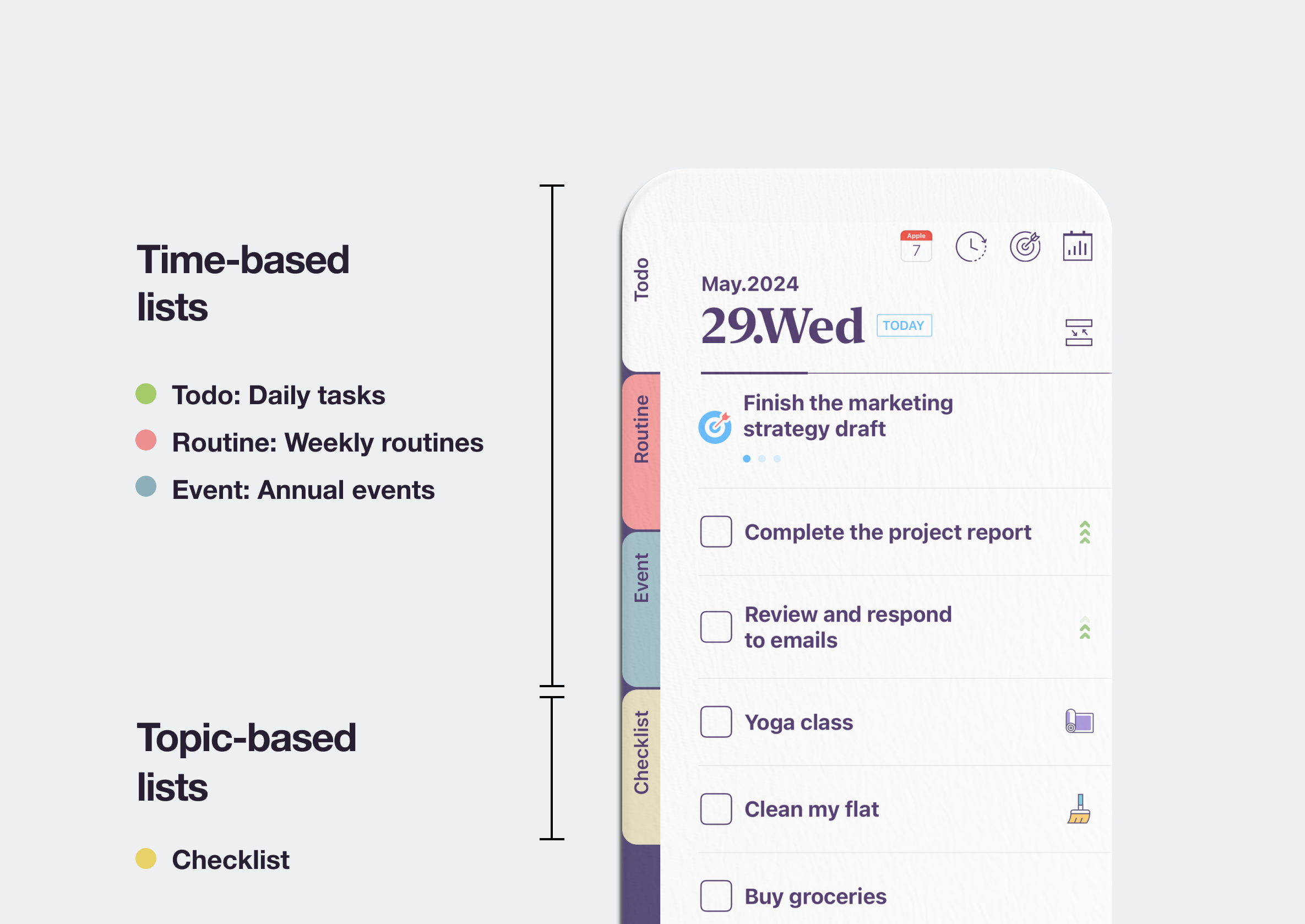
NoteCircle - Structure, Main Tabs
Having to repeatedly rewrite unfinished tasks was the biggest reason I gave up on paper to-do lists. That's why NoteCircle was designed to manage incomplete items more conveniently. Users can set the reference period for incomplete to-dos as either 'yesterday' or 'this week' in the settings, and can expand the incomplete list to select only the items they want and move them to the next schedule.
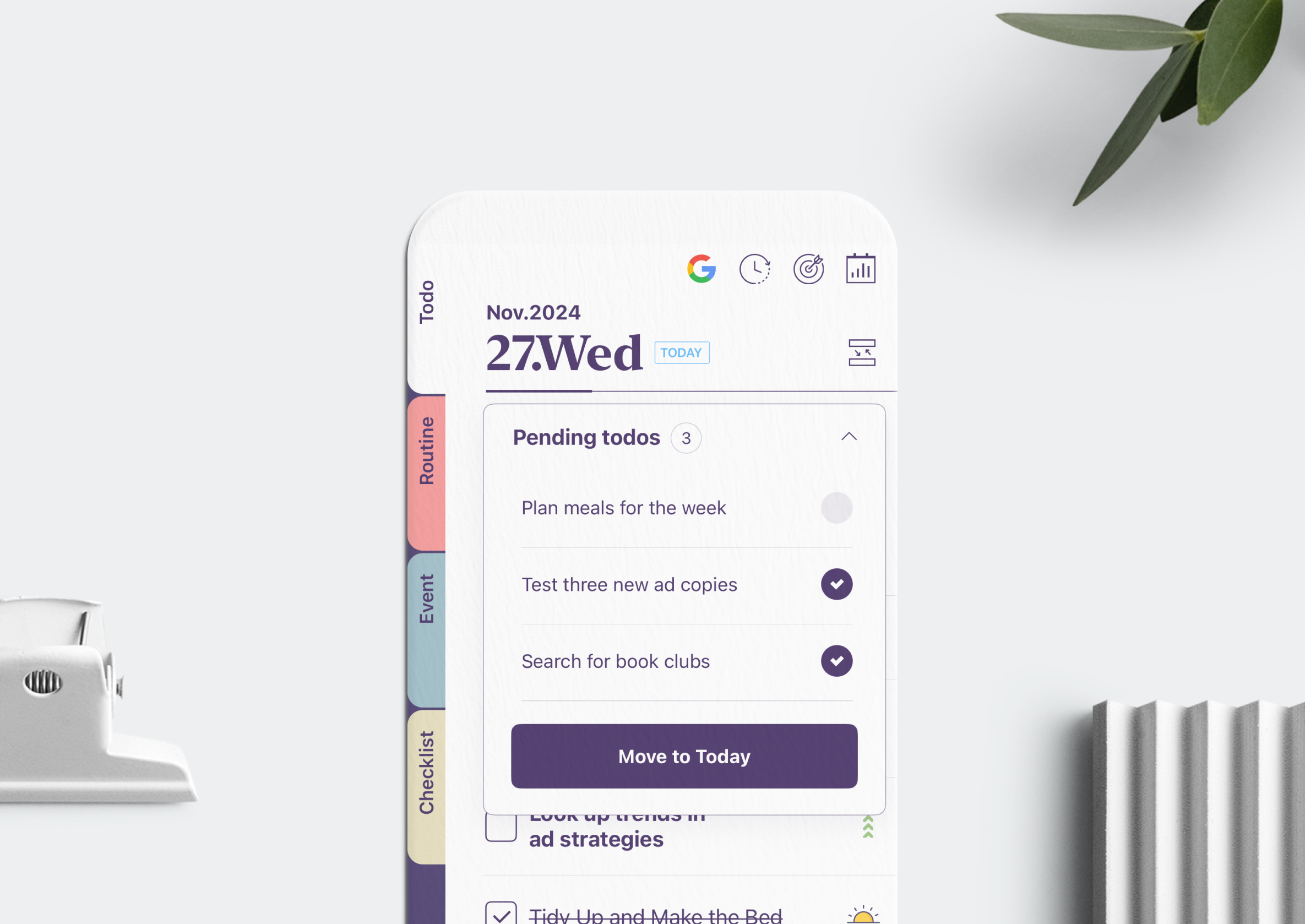
NoteCirle - Pending todos
We're often asked, 'Why did you design routines to be checked off together with to-do lists?' The reason behind this design is that routines have a higher completion rate than regular tasks, and when you complete one item, that sense of achievement becomes momentum that increases the likelihood of tackling the next task. This pattern is also evident in the app usage data.
This is the same reason why we recommend easy-to-execute items like making your bed or drinking water as routines. The sooner you make that first check mark of the day, the higher the probability of completing your entire list for that day.
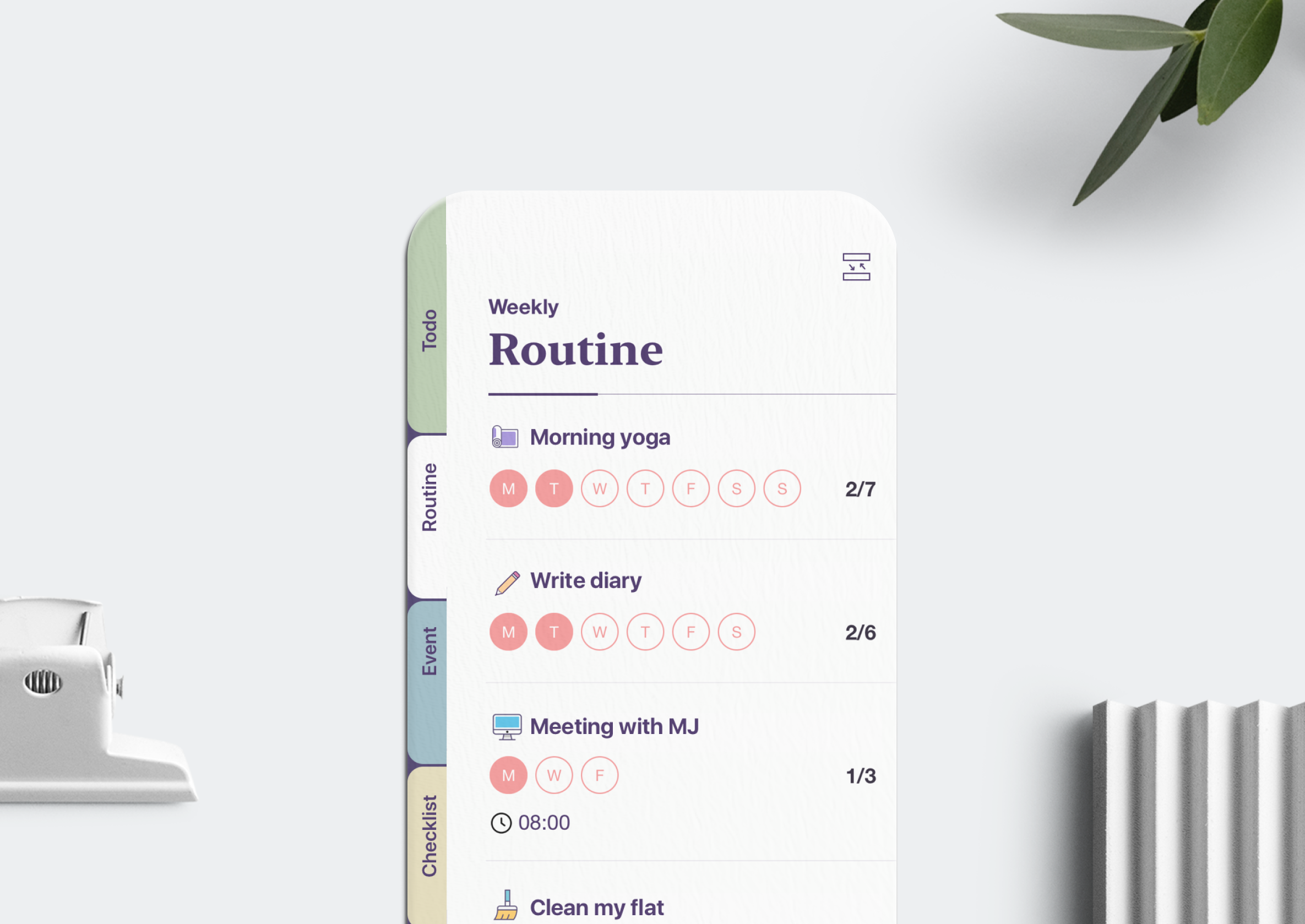
NoteCircle - Routine
Sometimes writing tasks on paper is more helpful for organizing your thoughts. However, managing them—such as reordering, deleting, or moving items—is much more convenient in an app. That's why we added a feature that lets you photograph your paper to-do list and automatically register it. We wanted to help users maintain their habit of writing on paper while managing their tasks conveniently in the app
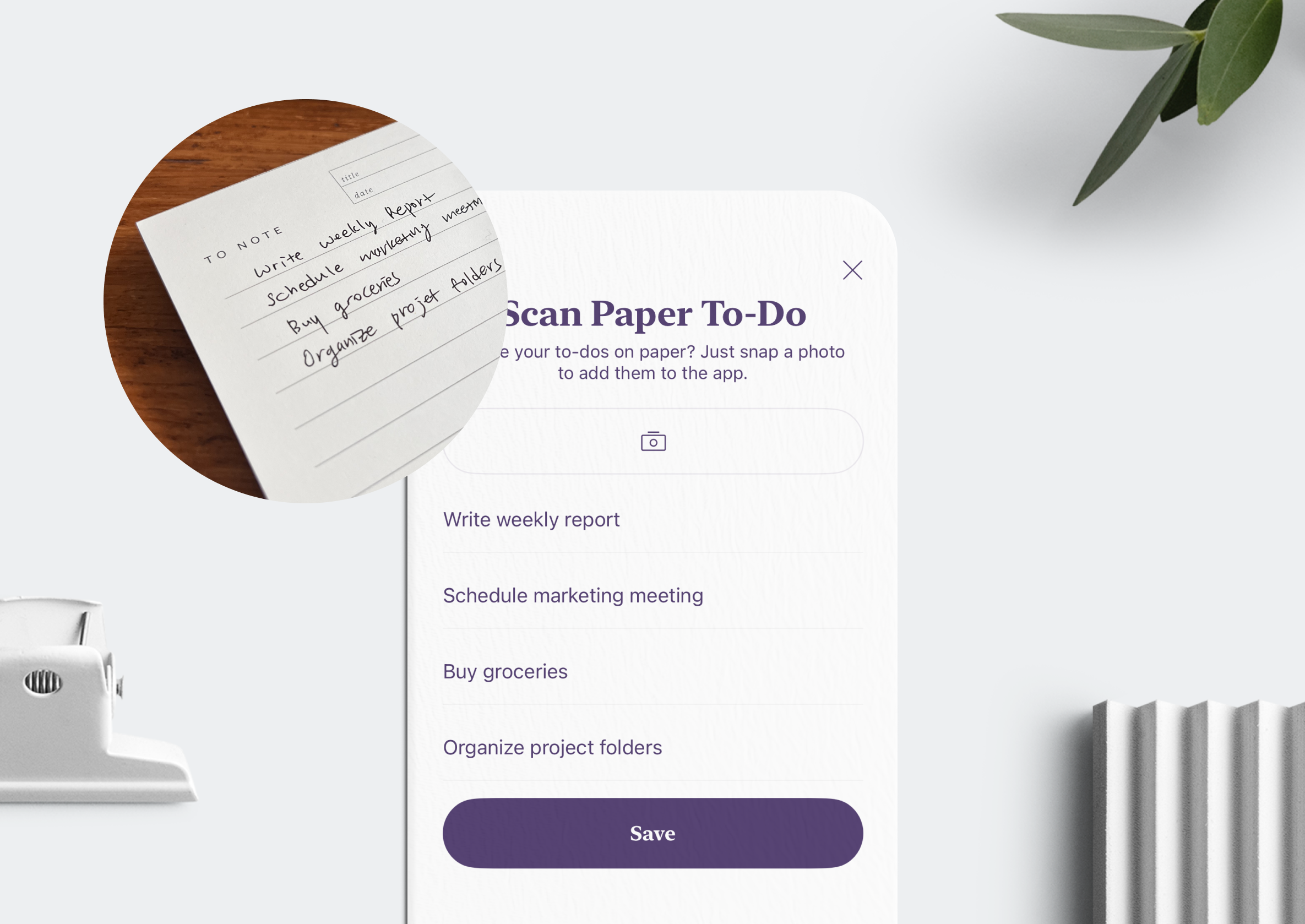
NoteCircle - Scan Paper To-do
Our favorite feature is the weekly goal. When you become too fixated on completing to-dos, you often end up spending your day on simple low-priority tasks or finishing the week having missed what's truly important. To solve this problem, we designed weekly goals to be pinned at the top of your to-do list for continuous reminders. You can also see at a glance which to-dos you've planned and completed to achieve that goal.
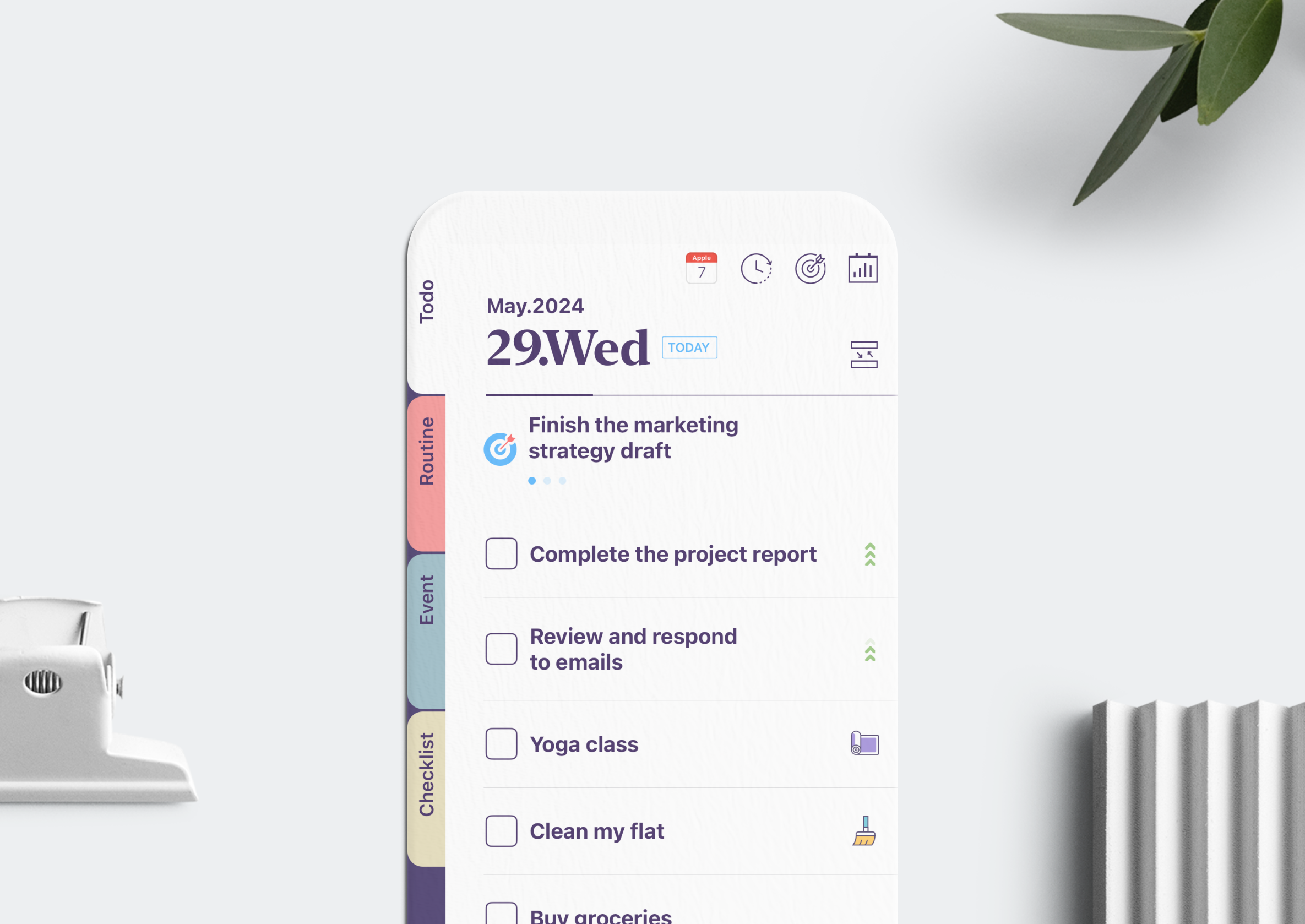
NoteCircle - Weekly Goal
Anyone who loves checklists can relate to the satisfaction of drawing a line through a completed item. In NoteCircle, we added a sound effect that mimics the sound of drawing a line with a pen when you check off a to-do. It's a small touch, but one that enhances the user's sense of achievement.
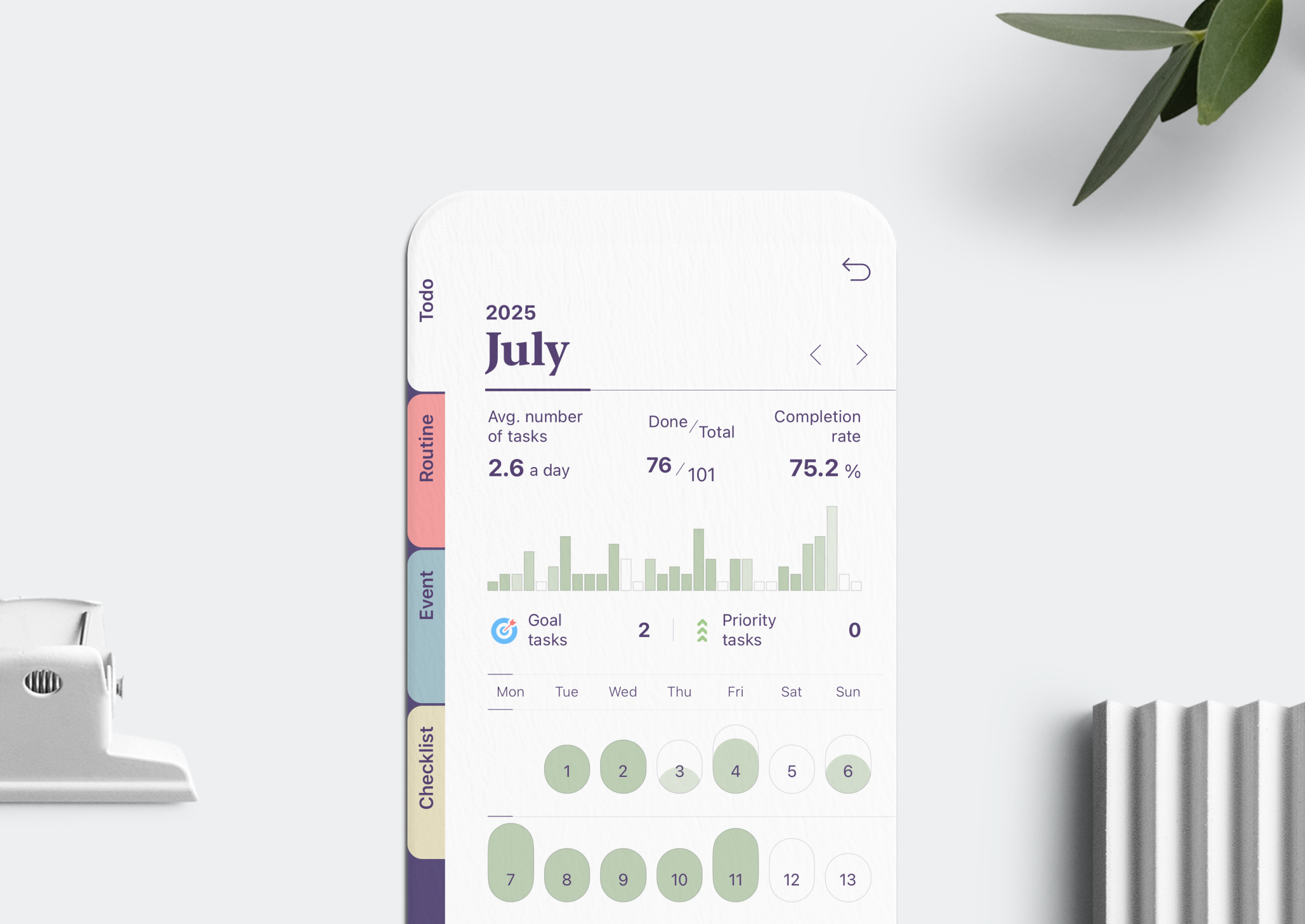
When you want to see your accomplishments in numbers, the monthly report is useful. You can view all the information at a glance—your plans for the month, completion rate, and even the progress of your weekly goals.
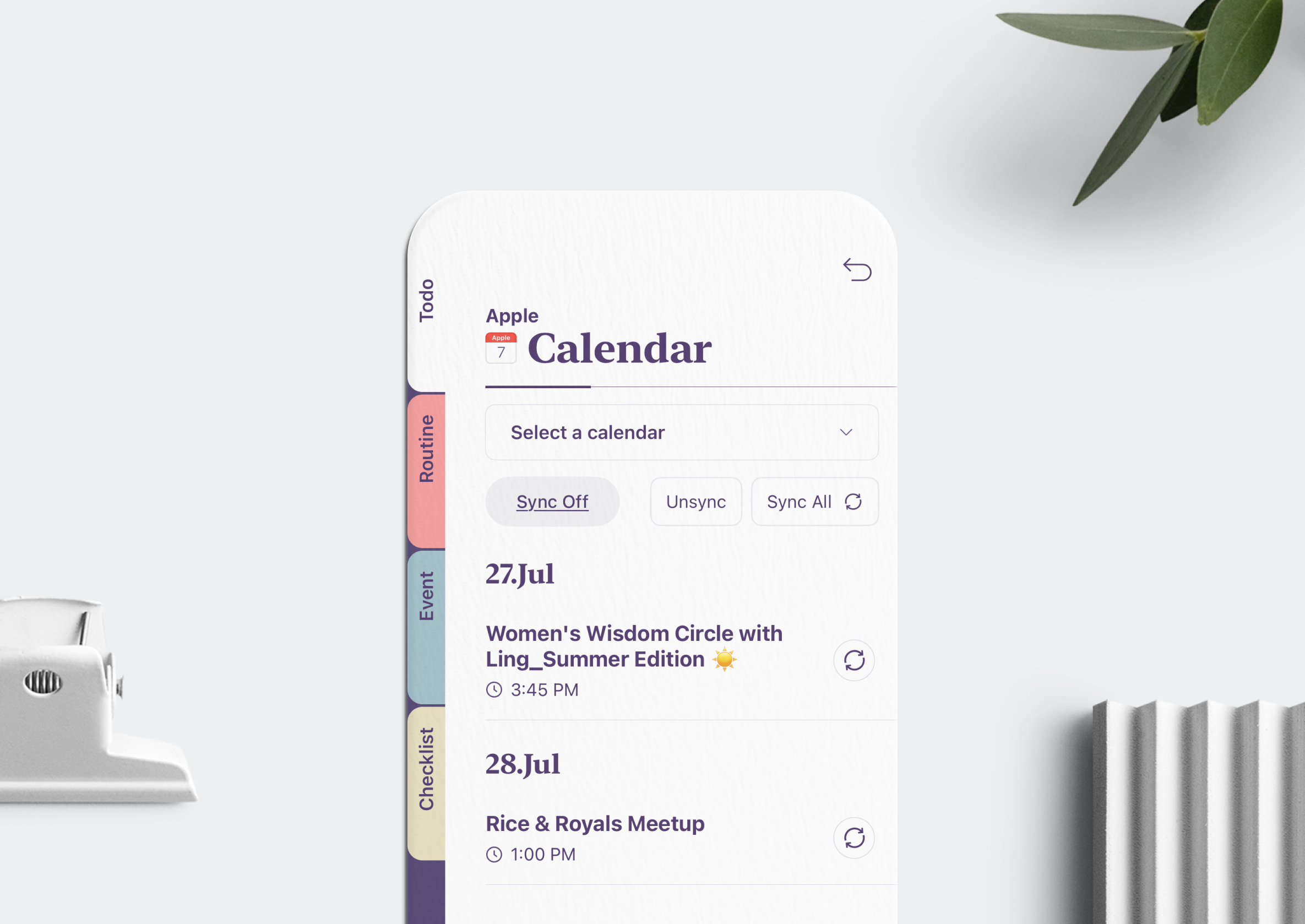
Apple Calendar and Google Calendar users can sync with NoteCircle to manage their events. You can automatically import schedules, or selectively add only the events you want to your list.
What we sought to differentiate NoteCircle from other to-do apps was design. This doesn't just mean the visual design, but the overall structure and UX that helps users maintain consistent action. In fact, one of the most frequent reviews we receive is from people with ADHD who struggled with schedule management but have found a home in NoteCircle.
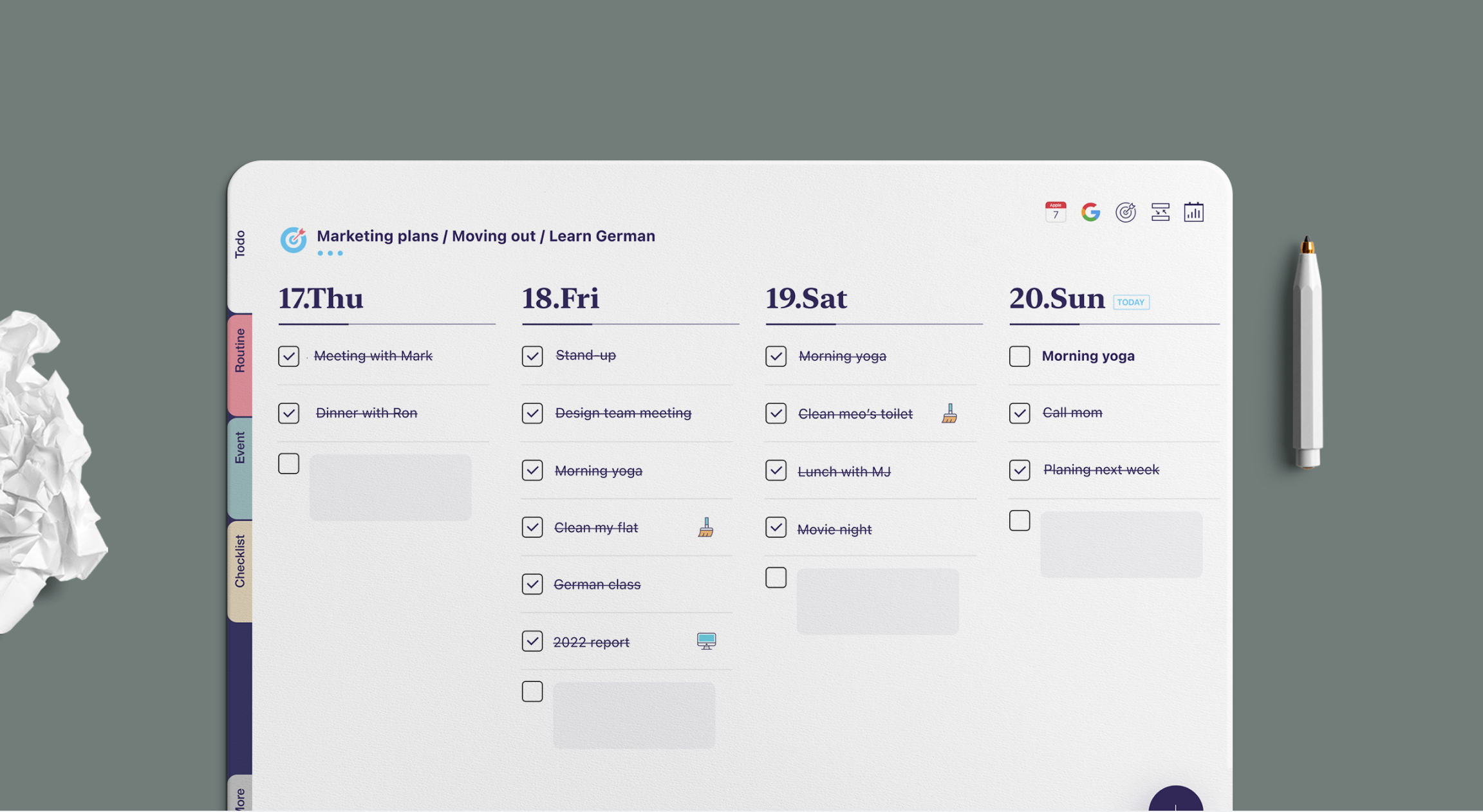
NoteCircle - iPad version
As we grow the service, what we grapple with most is ensuring that new users aren't overwhelmed while continuously adding features that existing users need. Finding the right balance in expanding functionality while maintaining simplicity is a common challenge for all product managers and designers.
Whether it's a paper checklist or a mobile app, the habit of planning and taking action is important in itself. How you spend today accumulates into a week, a month, and eventually a year.
We believe what matters more than getting more things done is thinking about what you truly want, planning for it, and building the habit of acting on at least some of those plans. Because it's when those small achievements of executing what you've planned stack up that you finally gain the sense of being in control of your daily life.
We hope everyone reading this will, through the process of planning and taking action, develop their own habits that they can immerse themselves in with a sense of fulfillment.
NoteCircle App Store: https://apps.apple.com/app/id1528859917